

You’re already using AI. Probably too much.
One prompt to write. Another to summarize. A third for SEO. Then formatting. Then posting. Then… back to square one tomorrow.
It’s like building a factory then choosing to run around and pull every lever by hand.
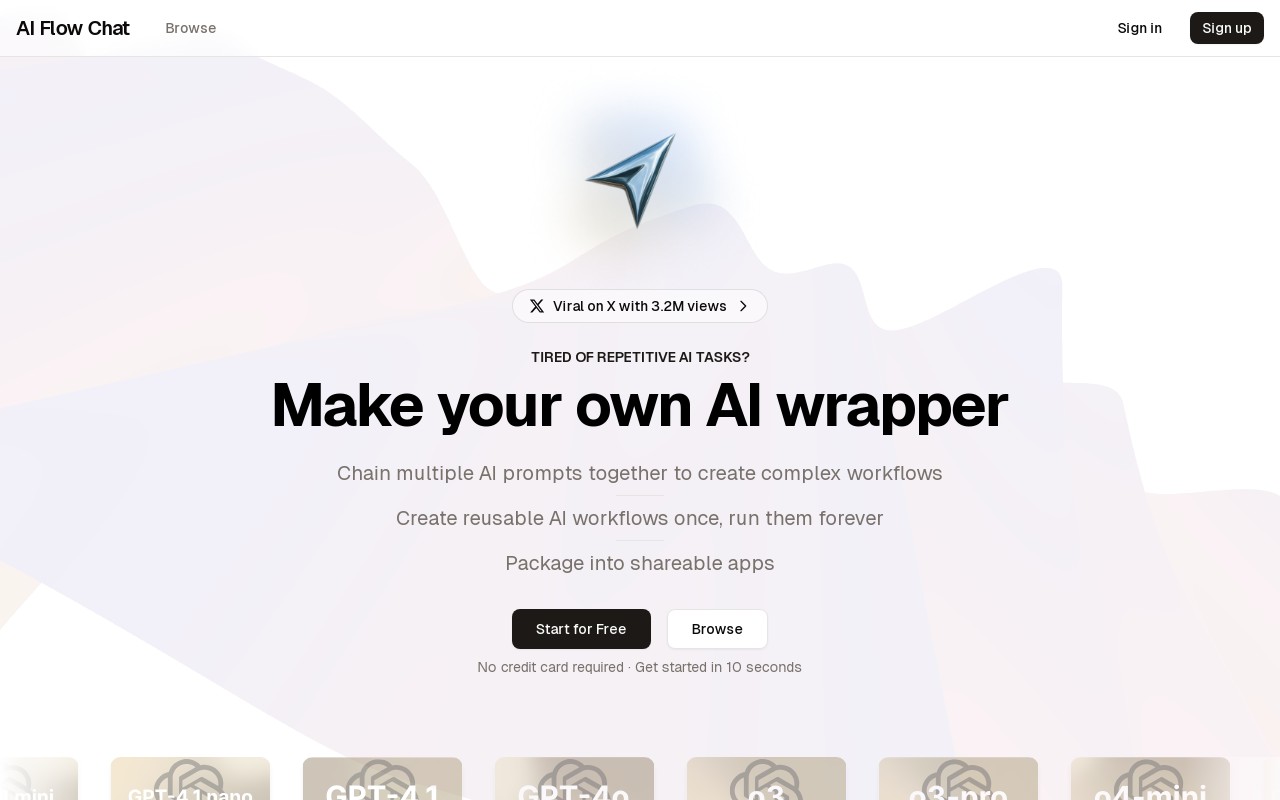
AIFlowChat flips that. It turns your scattered prompt pile into clean, reusable workflows. No code. No chaos. Just real automation that saves you time every single day.
What does AI Flow Chat actually do?
Most tools help you run AI prompts. AI Flow Chat helps you chain them.
You don’t need to babysit ChatGPT every morning. Instead, you create a visual flow like a pipeline of smart tasks and run it with one click.
Need to generate blog ideas, write intros, and format them for SEO? That’s one flow.
Want to pull data, clean it, and draft a report? Another flow.
You make it once. Save it. Reuse it. It’s like turning your best prompt ideas into tiny AI workers that don’t forget instructions or sleep in.
No code. No mess. Just drag, drop, done.
You shouldn’t need a developer just to automate your own tasks.
AI Flow Chat gives you a clean, visual canvas to build with.
Each block is a prompt step. You can connect them, branch them, loop them, test them. Want to start with Gemini for speed, then send results to GPT-4 for depth? Just drop both in the chain.
It’s actually fun. Like diagramming your brain and then pressing play.
How It Works from First Click to AI App
You don’t have to install anything or set up anything complicated. Just open the site and start building.
The editor gives you a visual canvas where you can drag and drop nodes. Each node is a step in your workflow like summarizing text, extracting keywords, generating a reply, or running analysis.
For each step, you can choose the right model something lightweight for speed, or a premium one if the step needs deeper reasoning. GPT and Gemini models are both supported, and you can mix them inside the same flow.
Once your chain is ready, hit run. The whole process goes step by step and gives you the final output, already formatted the way you want.
If you want to reuse the flow, just save it. Want to let others try it? Turn it into a public or private app with your own branding.
That’s it. You build once, and it runs forever.
Getting Started
You don’t need a tutorial video or a weekend off.
Here’s how to get rolling with AI Flow Chat in 60 seconds:
1. Sign up: No credit card. No setup. Just email, click, go.
2. Build your first flow: Start with something simple like:
“Take this input, Summarize, Rewrite with a casual tone”
3. Drag. Drop. Done: Pick your models (Fast for quick stuff, Premium for deeper logic), connect the blocks, test it once.
4. Save it as a template or an app: Give it a name. Brand it. Keep it private or share publicly.
5. Run it again tomorrow. Or every day: No more retyping prompts. It’s just one click now.
You’re not learning a new system. You’re just putting your existing AI chaos into a box that works every time.
Key Features That Matter
- Visual builder, zero code needed: You build flows like you’re mapping ideas on a whiteboard. Just drag nodes, drop models, and connect the steps. No syntax. No YAML. No coding pain.
- Mix models across one flow: Need fast output in one step and deeper analysis in the next? Use different models like GPT-4.1, Gemini Pro, or o3 wherever they fit best. Swap them any time.
- Save flows as templates or apps: Once you’ve built something that works, don’t let it sit in drafts. Turn it into a reusable template or a public-facing tool with one click.
- Share flows like mini apps: Flows aren’t just for you. Package them with your branding and let others use them without needing an account.
- Model tiers are actually clear: You know exactly what you’re using. Fast models for quick stuff. Standard for longer context. Premium for heavier logic or image handling.
- Start without friction: No paywalls at the gate. Free plan includes unlimited runs on fast models. You can build, test, and ship without a credit card
Who is this for?
- Content creators: You’ve got outlines to generate, articles to draft, summaries to clean up every single day. AI Flow Chat lets you automate the whole mess. One click and done.
- Marketers & analysts: Need a research summary? Market report? Competitive audit? Chain your prompts once and reuse the same flow every time. No more juggling tabs and outputs.
- Startup teams: You want AI-powered workflows, but don’t want to write backend code or spin up infra. This lets you build internal tools in minutes and actually use them.
- Solo builders & indie hackers: You live inside AI tools already. This just makes it clean. No more copying between ChatGPT, Gemini, Notion, and Zapier.
- Anyone tired of repeating the same prompt 5 times a day: You don’t need to be a dev to use this. If you’ve ever typed “summarize this” into ChatGPT, you already know how to use it now you just don’t have to keep doing it manually.
AI Flow Chat vs n8n, when to use which?
Setup
- n8n: Requires installation, self-hosting or cloud setup. You’ll be dealing with environment variables, credentials, and lots of config.
- AI Flow Chat: Web-based. No install, no config. Open the site, drag a node, done.
Simplicity
- n8n: Designed for technical users. Visual, yes but still expects a dev brain.
- AI Flow Chat: Built for non-devs. Clean drag-and-drop that actually feels like using Notion meets GPT.
Use Case Focus
- n8n: General-purpose automation. File moving, database triggers, webhooks, and more.
- AI Flow Chat: Purpose-built for chaining AI prompts content generation, research flows, summarizers, idea machines.
User Mindset
- n8n: You think in workflows and logic trees. You want precision and control.
- AI Flow Chat: You think in tasks and goals. You want to go from “idea to result” without friction.
Model Handling
- n8n: You’ll integrate OpenAI or others via API. Every prompt needs wiring up.
- AI Flow Chat: Models are baked in GPT-4, Gemini, o3, and more. Just pick and use.
When to Use What
- Choose n8n: When you’re building full system automations, integrating APIs, handling backend logic.
- Choose AI Flow Chat: When you want fast, reusable AI workflows without code or setup hell.
Try It Now
You’ve already got prompts you repeat. You’ve already got tasks you dread.
Turn one of them into a flow. Just open AI Flow Chat, pick a model, chain a few steps, hit run. That’s it.
No setup. No fiddling. No wondering, where did that last prompt go?
Try building your first AI workflow right now. If it saves you 10 minutes today, imagine next week.
Also explore the community templates tons of ready-made flows for writing, summarizing, SEO, and more. Use them as is or remix into your own.
And if you build something cool, share it. Others might just need the exact thing you automated.
Ready? Go create your first reusable AI flow – aiflowchat.com